
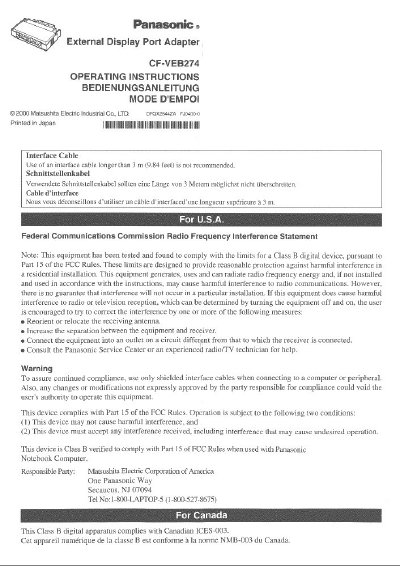
Panasonic CF-VEB274W External Display Port Adapter Operating Instructions


Panasonic CF-VEB274W External Display Port Adapter Operating Instructions - cover page
Brand
Panasonic
Category
Other Electronics
Document type
User Manual
Language
English
Pages
5
File format
PDF
File size
352 KB
Published
08 August, 2012
Updated
20 August, 2012
MD5 checksum
D5176E56ED8D04230522258E548FF716

About this manual

This document provides operating instructions for the Panasonic CF-VEB274W External Display Port Adapter. It details how to connect and disconnect the adapter from a Panasonic CF-27 series computer, emphasizing safety precautions such as powering off the device before making connections. The manual also specifies compatibility limitations with certain CF-27 models.

What's inside

  • Connecting / Disconnecting
  • Interface Cable Warning
  • Federal Communications Commission Statement
  • Technical Specifications
  • Operating Environment

Specifications

Expansion Bus Connector80-pin female
Display portMini Dsub 15-pin female
Physical Dimensions63 mm x 52 mm x 18mm
WeightApprox. 50 g
Operating Environment Temperature5 °C to 35°C

Frequently asked questions

Can I use an interface cable longer than 3 meters?

No, the use of an interface cable longer than 3 m (9.84 feet) is not recommended.

Can I connect the adapter while the computer is on?

No, do not connect or disconnect the adapter while the computer is powered on.

Download PDF (352 KB)

More Panasonic Manuals


View all Panasonic manuals →