
This manual describes the function and operation method of the Network Disk Recorder WJ-ND400.
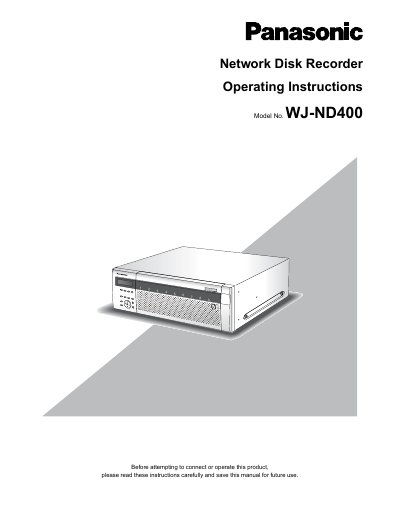
The Panasonic WJ-ND400 Network Disk Recorder is designed to record images and audio from up to 64 network surveillance cameras to a hard disk. It allows remote access and operation via a web browser on a PC, supporting up to 16 connected computers. The device supports various operating systems including Windows Vista and Windows XP, requiring specific hardware specifications for optimal performance.
| Maximum connected cameras | 64 |
|---|---|
| Maximum connected PCs | 16 |
| Minimum CPU requirement | Pentium 4 3.0 GHz or faster |
| Minimum Memory requirement | 1 GB or more |
| Network interface | 10/100/1000 Mbps Ethernet port x1 |
It is possible to connect up to 64 cameras over a network.
A Pentium 4 3.0 GHz or faster processor is recommended.
Yes, a maximum of 16 PCs can be connected via a network to access and operate the recorder.