
Instructions for use, introduces the use of the WJ-ND300 series
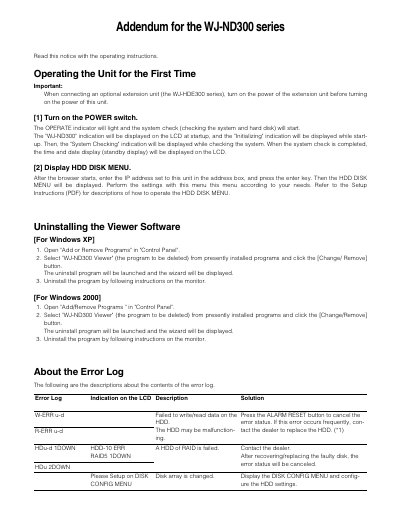
This document serves as an addendum for the WJ-ND300 series Network Disk Recorder. It covers critical procedures for operating the unit for the first time, including power-on sequences when using optional extension units and accessing the HDD DISK MENU via a web browser.
Additionally, it details the process for uninstalling the viewer software on Windows XP and Windows 2000 systems. The document also provides a comprehensive guide to interpreting error log indications displayed on the LCD, offering descriptions and solutions for various system errors related to hard disks, fans, network connections, and recording areas.
Turn on the power of the extension unit before turning on the power of this unit.
After the browser starts, enter the IP address set to this unit in the address box and press the enter key.
It indicates a failure to write/read data on the HDD, which may be malfunctioning.