
This document is a setup instruction for the Network Disk Recorder WJ-ND300A, describing the features and operations of the product.
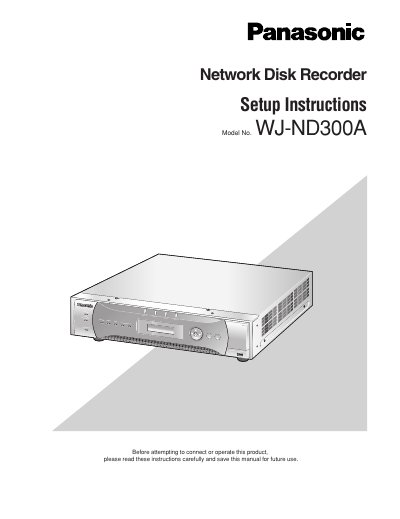
This document provides setup instructions for the Panasonic WJ-ND300A Network Disk Recorder, a device designed to record and playback pictures from network cameras within a surveillance system. It details how to perform network settings for both the unit and a PC, and explains the features of the operation window accessible via a web browser.
| Max connected cameras | Up to 32 cameras |
|---|---|
| Max concurrent PC access | Up to 8 PCs |
| OS Support | Windows 2000, Windows XP |
| CPU Requirement | Pentium 4 3.0 GHz or faster |
| Memory Requirement | 512 MB or more |
| Network Interface | 10/100Mbps |
| Web Browser Support | Internet Explorer 6.0 SP1, 6.0 SP2 |
The generic name of the network disk recorders WJ-ND300A series is 'WJ-ND300A'.
Yes, by establishing an FTP server, it is possible to transmit images to the designated FTP server periodically.
Up to 32 users can be registered for the user authentication function.