
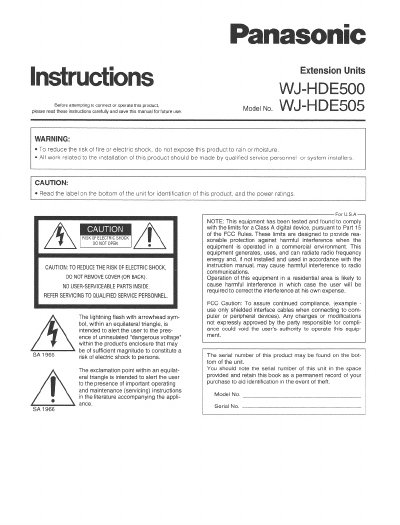
Panasonic WJ-HDE500/WJ-HDE505 Manual


Panasonic WJ-HDE500/WJ-HDE505 Manual - cover page
Brand
Panasonic
Category
Network Switches
Document type
User Manual
Language
English
Pages
8
File format
PDF
File size
325 KB
Published
08 August, 2012
Updated
23 August, 2012
MD5 checksum
C32294B55731C1B94788FF6B24ADB2C0

About this manual

The WJ-HDE500 and WJ-HDES05 are extension units designed to be installed with the digital disk recorder WJ-HD500. They extend the system's disk capacity by connecting up to six extension units in a SCSI chain, where each unit can contain up to four hard disk drives (HDDs). The WJ-HDES05 is specifically used for the third position in the chain to ensure driving capability when more than three units are connected.

What's inside

  • General
  • Appearance
  • Mounting HDDs
  • Connection & Switch Setting
  • Switch Settings
  • Rack Mounting

Frequently asked questions

What is the maximum number of hard disk drives that can be installed in one extension unit?

An extension unit can contain up to four HDDs.

What is the required operating temperature range for this appliance?

The appliance must be used at temperatures between +5 °C and +45 °C.

What is the input power source rating for this appliance?

The input power source is 120 V AC 60 Hz.

Download PDF (325 KB)

More Panasonic Manuals


View all Panasonic manuals →