
This document is an instruction manual for the WJ-HDE300 extension unit, including guidance on product connection and operation, as well as usage instructions and precautions. The extension unit has features such as electrical shock protection and power disconnection. It is important to note the product's serial number and retain the purchase record for identification purposes.
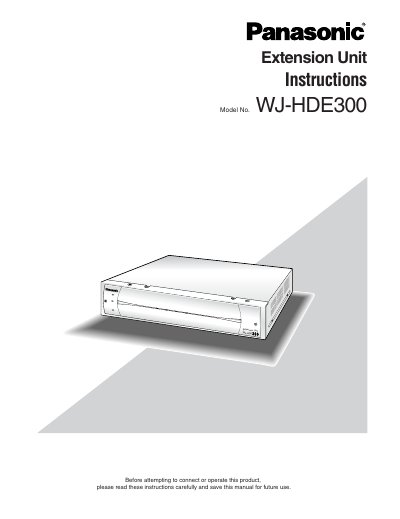
The Panasonic WJ-HDE300 is an extension unit designed to add available disk space to compatible digital disk recorders, such as the WJ-HD316 and WJ-HD309 series. It supports up to four hard disk drives per unit and can be connected in RAID level 5 mode for high tolerance to disk errors. Up to seven of these extension units can be chained together.
The extension unit can contain up to four hard disk drives per unit.
Up to seven extension units can be connected to a digital disk recorder.
The input power source is 120 V AC at 60 Hz.