
This document is the Panasonic Electronic Board product instruction manual, which mainly introduces the product assembly, installation, operation and other content
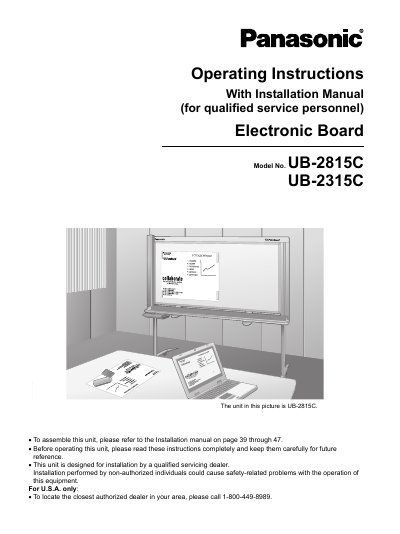
This manual provides operating instructions for the Panasonic UB-2815C (wide-size) and UB-2315C (standard-size) electronic boards. These units feature a color scanner that allows users to attach posters, graphs, charts, or other documents with magnets and copy them as data or print them onto paper.
The guide covers essential topics including safety precautions, part names and functions, scanning procedures, storing images on USB flash memory devices or SD memory cards, printing via an external printer, moving the unit, rotating the whiteboard, setting up file formats, computer interfacing with Panasonic-DMS software, daily care, maintenance, troubleshooting, and specifications.
| Product Type | Electronic Board equipped with a color scanner |
|---|---|
| Models Included | UB-2815C and UB-2315C |
The UB-2815C is a wide-size model, while the UB-2315C is a standard-size model.
Yes, the unit allows scanned documents or hand-written text/diagrams to be stored onto an SD memory card.
You can print scanned documents or hand-written text/diagrams on an external printer via a USB cable.