
Panasonic UB-T880/UB-T880W Elite Panaboard Operating Instructions

This document is the instruction manual for the Panasonic electronic whiteboard
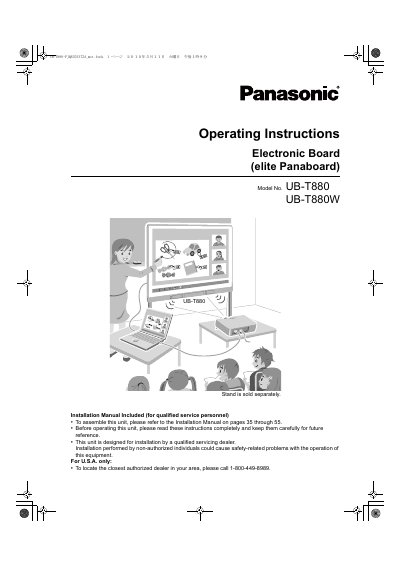

Panasonic UB-T880/UB-T880W Elite Panaboard Operating Instructions - cover page
Brand
Panasonic
Category
Office Equipment
Document type
User Manual
Language
English
Pages
56
File format
PDF
File size
11.1 MB
Published
08 August, 2012
Updated
01 October, 2023
MD5 checksum
A999A79CE42FE16CE4D3648341E02F2D

About this manual

This document provides operating instructions for the Panasonic Elite Panaboard (Models UB-T880 and UB-T880W), an interactive electronic board designed for educational and business use. It details features such as multi-touch support, electronic pen capabilities, USB hub functionality, and compatibility with Windows 7. The guide covers installation steps, software setup, system calibration, and usage scenarios.

What's inside

  • For Your Safety
  • Included Accessories
  • Names and Uses of the Parts
  • Connecting External Components
  • Installing the elite Panaboard software/book
  • Setting the Projector
  • Starting the elite Panaboard software and Performing Calibration
  • Viewing the Help of the Software
  • Daily Care
  • Troubleshooting

Specifications

CPU RequirementIntel Pentium 4 processor or later
InterfaceUSB 2.0
Drive RequirementDVD-ROM drive

Frequently asked questions

Is the stand included with the unit?

No, the stand is sold separately.

What operating systems are supported?

The device supports Windows 7 multi-touch functionality.

Download PDF (11.1 MB)

More Panasonic Manuals


View all Panasonic manuals →