
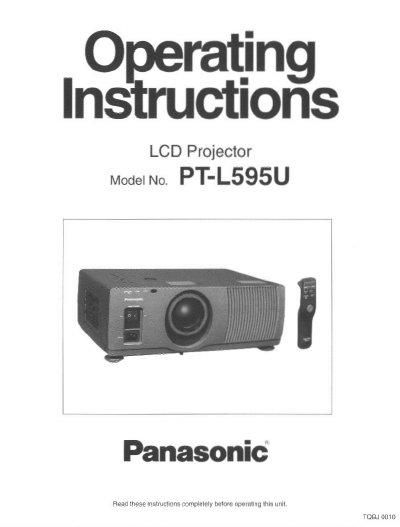
Panasonic PT-L595U LCD Projector Operating Instructions


Panasonic PT-L595U LCD Projector Operating Instructions - cover page
Brand
Panasonic
Category
Projector
Document type
User Manual
Language
English
Pages
56
File format
PDF
File size
1.9 MB
Published
07 August, 2012
Updated
23 August, 2012
Model
PT-L5
MD5 checksum
97FAA0153C14B579093D7557E50122CE

About this manual

This manual provides operating instructions for the Panasonic PT-L595U LCD projector. It details features such as high luminance (700 ANSI lumens) and compatibility with screens ranging from 30 to 300 inches. The guide explains how to turn the unit on and off, adjust the lens and picture settings, and use various convenient functions like the countdown timer and mute.

What's inside

  • Features
  • Important Safety Notice
  • Precautions with regard to safety
  • Location and function of each part
  • Turning the power on and off
  • Adjusting the lens
  • Adjusting the picture
  • Replacing the lamp unit
  • Specifications
  • Dimensions

Specifications

Luminance700 ANSI lumens
Screen Size30 to 300 inches
Power Supply100-120 volts and 220-240 volts, 50/60 Hz AC

Frequently asked questions

What is the replacement period for the lamp unit?

The manual indicates there is a specific replacement period for the lamp unit, though the exact duration is not stated in the provided text.

What is the maximum screen size this projector can display?

The projector can project onto screens with a diagonal size up to 300 inches.

How much does the projector weigh?

The light and compact body weighs approximately 21.6 lbs (9.8 kg).

What happens if no signal is input for a continuous period?

The projector automatically switches to standby mode.

Download PDF (1.9 MB)

More Panasonic Manuals


View all Panasonic manuals →