
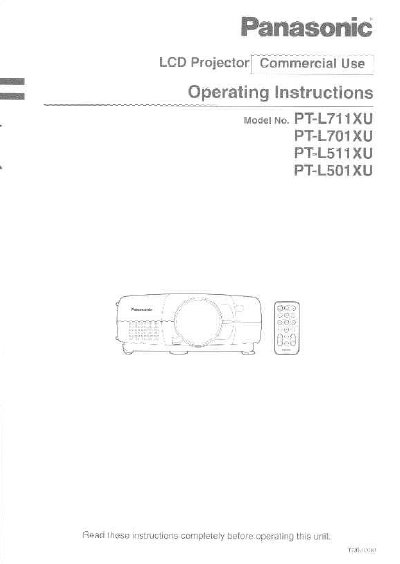
Panasonic PT-L711U/PT-L701U/PT-L511U/PT-L501U LCD Projector Operating Instructions


Panasonic PT-L711U/PT-L701U/PT-L511U/PT-L501U LCD Projector Operating Instructions - cover page
Brand
Panasonic
Category
Projector
Document type
User Manual
Language
English
Pages
64
File format
PDF
File size
1.4 MB
Published
07 August, 2012
Updated
29 September, 2023
MD5 checksum
9DD64D0BCF37B3981309654E35E10C90

About this manual

This manual provides operating information for the Panasonic PT-L711U, PT-L701U, PT-L511U, and PT-L501U LCD projectors. It includes safety notices, preparation steps, and instructions on using the remote control unit and connecting various equipment such as video sources and computers.

The guide details basic operations like turning power on and off, adjusting picture settings including keystone correction and digital zoom, and positioning the projector. It also covers advanced options for menu settings, cleaning air filters, and replacing the lamp unit.

What's inside

  • Precautions with regard to safety
  • Accessories
  • Connections
  • Basic Operation
  • On-screen menus
  • Adjusting the picture
  • Advanced Operation
  • Cleaning and replacing the air filter

Frequently asked questions

What is the power supply requirement for this projector?

The LCD Projector is designed to operate on 100 V - 240 V, 50 Hz/60 Hz AC, house current only.

Can the accessory power cord be used for voltages higher than 125V?

No, the supplied accessory cord can only be used for power supplies up to 125 V, 10 A; a separate 250-V power cord is needed otherwise.

Who should replace the lamp unit?

Replacement of the lamp unit should only be carried out by a qualified technician.

Download PDF (1.4 MB)

More Panasonic Manuals


View all Panasonic manuals →