
This manual describes the functions and usage of the Panasonic SV-AS3 SD Multi Camera.
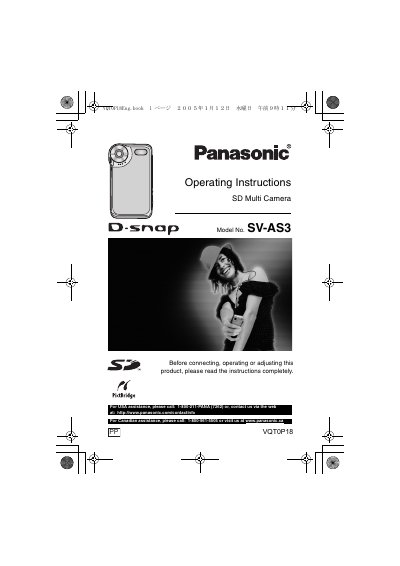
This document provides operating instructions for the Panasonic SV-AS3 SD Multi Camera. It details preparation steps, including safety information and battery handling, as well as how to turn the unit on and switch modes. The guide explains how to set up menus, adjust settings like white balance and ISO, and perform recording functions such as digital zoom and night mode.
The manual also covers playback features, including adjusting volume, multi-picture display, and creating slide shows with audio. Instructions are provided for connecting the camera to a PC to install software drivers and transfer files, along with troubleshooting tips and specifications.
The LCD monitor features a total of approximately 61,600 pixels.
For USA assistance, please call 1-800-211-PANA (7262).
For Canadian assistance, please call 1-800-561-5505.