
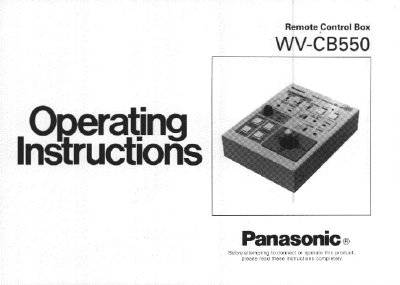
The Panasonic WV-CB550 is a remote control box designed to operate the WV-E550 Color Video Camera. Communication between the camera and this unit is established using three coaxial cables, allowing for features such as white balance setting, iris control, total pedestal control, color bar/camera selection switching, and horizontal/subcarrier phase adjustment for gen-locking.
The device includes various operating controls for scene file selection, auto black/white balancing, cable compensation, and pan/tilt unit control. It supports a maximum extension length of 300 meters when using BELDEN 8281 or equivalent coaxial cables.
| Maximum Cable Length | 300 m between Camera and WV-CB550 |
|---|---|
| Ambient Operating Temperature | -10°C - +50°C (14°F - 113°F) |
| Dimensions | 5-1/2" (W) x 3-1/8" (H) x 7-13/16" (D) |
| Weight | 2.2 Ibs. (1.0 kg) |
The extension length is up to 300 m when using BELDEN 8281 or equivalent coaxial cable.
No. You should not use these terminals and the 12V DC Input Connector at the same time.
Auto White Balance may not be performed correctly in this position.