
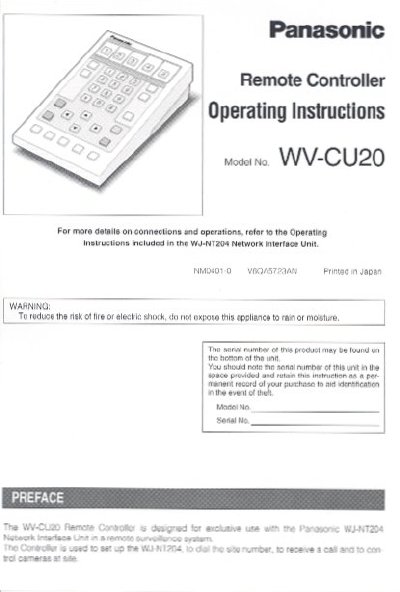
Panasonic WV-CU20 Remote Controller Operating Instructions


Panasonic WV-CU20 Remote Controller Operating Instructions - cover page
Brand
Panasonic
Category
Other Electronics
Document type
User Manual
Language
English
Pages
4
File format
PDF
File size
304 KB
Published
07 August, 2012
Updated
24 August, 2012
MD5 checksum
3A530510EFDE7F1EF923BD22AF3AA633

About this manual

This document provides operating instructions for the Panasonic WV-CU20 remote controller. It details the layout of the front and rear views, including buttons such as the Dial, Numeric, and Camera Control buttons. The manual also explains how to attach title labels to the one-touch dial buttons for destination identification.

What's inside

  • Front View
  • Rear View
  • Button Layout
  • Title Labels
  • Power Requirement
  • Operating Temperature
  • Operating Humidity
  • Dimensions
  • Weight
  • Connection

Specifications

Power Requirement5V DC 2 mA
Operating Temperature-10°C - +60°C
Operating HumidityLess than 80%
Dimensions140 (W) x 51 (H) x 177 (D) mm
Weight280 g

Frequently asked questions

What is the power requirement for the WV-CU20?

The unit requires 5V DC 2 mA supplied by the exclusive WJ-NT204.

Can the WV-CU20 be operated in wet areas?

No, do not expose the appliance to water or moisture, nor try to operate it in wet areas.

What is the ambient operating temperature range?

The appliance should be used at temperatures between -10°C and +60°C.

Download PDF (304 KB)

More Panasonic Manuals


View all Panasonic manuals →