
This document is the operating instructions for the SD video camera model SDR-S100. It includes the contact information for customer assistance in the USA and Canada, as well as the End User License Agreement. Please read the instructions completely before connecting, operating, or adjusting the product.
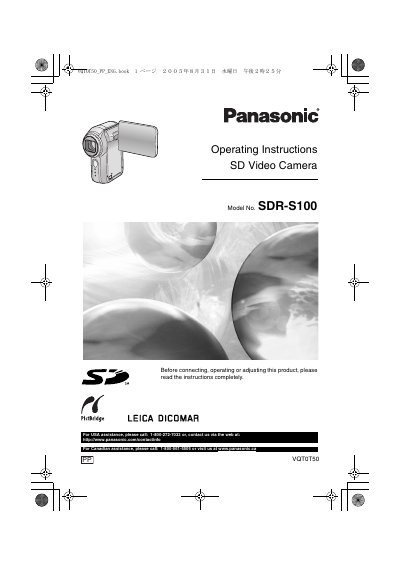
This manual provides operating instructions for the Panasonic SDR-S100 SD Video Camera. It covers preparation steps such as inserting batteries and SD cards, safety precautions regarding heat and moisture, and initial power-on procedures. The guide details how to select various recording modes including Motion Picture (MPEG2) and Still Picture (JPEG), utilizing features like Zoom, Image Stabilizer, and MagicPix for low-light conditions.
| Product Type | SD Video Camera |
|---|---|
| Video Format | MPEG2 motion pictures |
Turn the SD Video Camera off and leave it for a while to cool down.
No, the unit may not play data recorded or created on another product.