
Panasonic SV-AP10U Digital Photo Printer Operating Instructions

This manual introduces the use of Panasonic SV-AP10U digital photo printer, including operating instructions, safety instructions, etc.
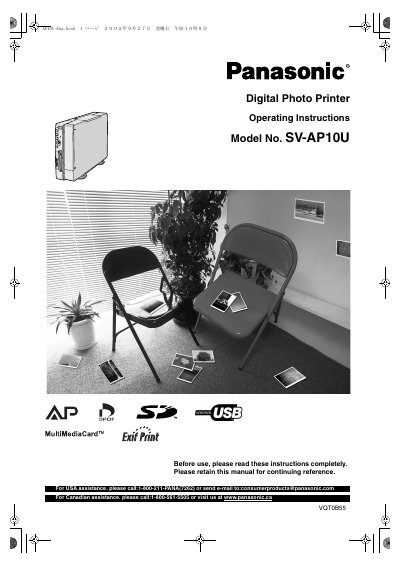

Panasonic SV-AP10U Digital Photo Printer Operating Instructions - cover page
Brand
Panasonic
Category
Digital cameras
Document type
User Manual
Language
English
Pages
56
File format
PDF
File size
5.6 MB
Published
07 August, 2012
Updated
01 October, 2023
MD5 checksum
A8F8C240B898135C55828E363AE32FAE

About this manual

This document is the operating instructions for the Panasonic SV-AP10U Digital Photo Printer, trade name Panasonic, model number SV-AP10U. It contains safety information, an end user license agreement for the supplied software, and FCC and Canadian compliance notices.

The manual covers supplied accessories, preparation, controls and components, inserting cards, paper, and the ink cassette, menu operation, basic and multiple printing functions, connecting and operating with a personal computer, settings, precautions, Q&A, error messages, and specifications.

What's inside

  • Information for Your Safety
  • Supplied Accessories
  • Controls and Components
  • Inserting a Card
  • Inserting Paper
  • Inserting the Ink Cassette
  • MENU Interface
  • Basic Functions
  • Connecting and Operating with a personal computer
  • Specifications

Frequently asked questions

What is the model number of the digital photo printer?

The model number is SV-AP10U.

May the supplied software be installed on more than one computer?

No, the software may be used only on one computer.

What happens when the printer temperature increases during multiple copying?

Printing pauses automatically to lower the temperature, and printing time becomes longer.

Download PDF (5.6 MB)

More Panasonic Manuals


View all Panasonic manuals →