
Panasonic KX-PX10M Home Photo Printer Operating Instructions

This is a user manual for the Panasonic KX-PX10M home photo printer, which introduces the printer's usage methods and precautions.
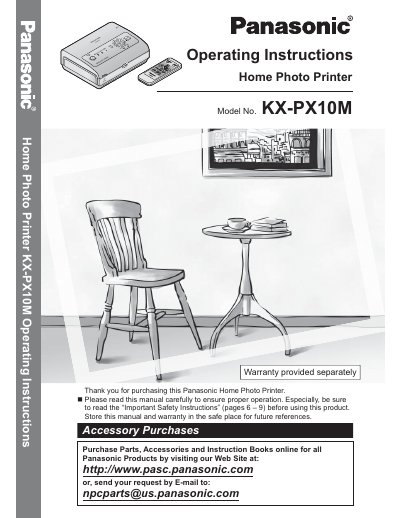

Panasonic KX-PX10M Home Photo Printer Operating Instructions - cover page
Brand
Panasonic
Category
Telephone
Document type
User Manual
Language
English
Pages
112
File format
PDF
File size
4.1 MB
Published
07 August, 2012
Updated
30 September, 2023
MD5 checksum
60FE7A58747300446CB3B77A41BC8F0E

About this manual

This manual provides operating instructions for the Panasonic KX-PX10M Home Photo Printer. It covers essential safety precautions before use, package contents, and the names and functions of each part. The guide details how to prepare the printer by connecting a power source, inserting batteries into the remote control, and loading paper and ink cassettes.

What's inside

  • Important Safety Instructions
  • Package Contents
  • Names and Functions of Each Part
  • Connecting a Power Source
  • Inserting Battery into the Remote Control
  • Paper and Ink Cassettes
  • Printing with a Digital Camera
  • Printing With a TV
  • Printing with a Computer
  • Maintenance

Frequently asked questions

Where can I find the serial number of the printer?

The serial number is found on the rear of the unit.

Can I use liquid cleaners to clean the printer?

No, you should not use liquid or aerosol cleaners; use a dry cloth instead.

Download PDF (4.1 MB)

More Panasonic Manuals


View all Panasonic manuals →