
This document is the operating instructions for the PP SD Video Camera Model SDR-S150. It provides a complete guide on how to connect, operate, and adjust the camera. It also includes the software license agreement and usage restrictions.
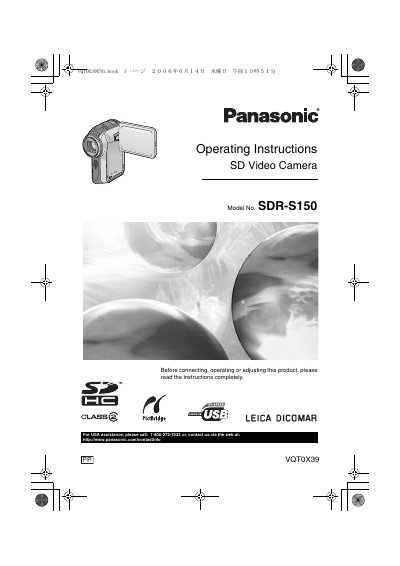
This document provides operating instructions for the Panasonic SDR-S150 SD Video Camera. It details the preparation steps, including inserting batteries and SD cards, and explains how to turn the unit on and off. The guide covers various recording modes such as motion pictures and still pictures, along with specific functions like image stabilization, soft skin mode, and backlight compensation.
The total length of the headphones, including the adapter, must be less than 3 meters (9.9 feet).
Red, blue, green, or white dots may appear on the screen and be recorded, which is not a malfunction.
Turn the SD Video Camera off and leave it for a while.