
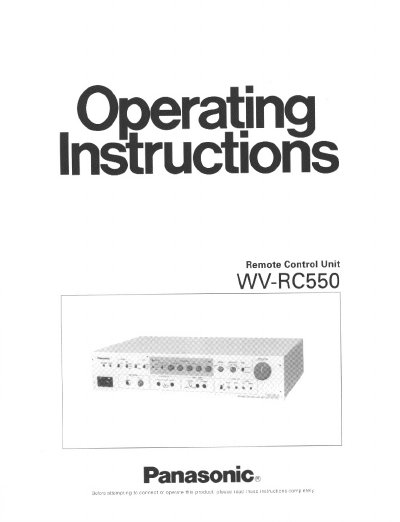
The Panasonic WV-RC550 is a Remote Control Unit designed to remotely control WV-E550, WV-F500, or WV-F700 series color cameras. Key features include white balance setting, iris control, R/B gain control, total pedestal control, and color bar/camera selection. The unit supports intercom, AUX input, and Gen-lock PHL for system operation.
| Compatible Cameras | WV-E550, WV-F500 or WV-F700 series |
|---|---|
| Operating Temperature | 14°F - 113°F (-10°C - +45°C) |
| Operating Humidity | less than 90% |
| Max Studio Cable Length (WV-E550) | 1000ft (300m) |
| Max Studio Cable Length (WV-F500 with EVF) | 330ft (100m) |
The WV-RC550 Remote Control Unit is used to remotely control the WV-E550, WV-F500 or WV-F700 series.
When connected with WV-E550, this switch allows the user to select the AGC MAX level.
These controls are used to manually adjust the fine level of white balance by increasing or decreasing red and blue signal levels.