
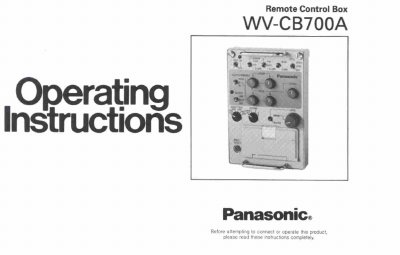
The Panasonic WV-CB700A is a Remote Control Box (RCB) designed for ENG/EFP operations. It allows users to remotely control Color Cameras from the WV-F700 or WV-F500 series. Key functions include white balance setting, iris control, R/B gain control, total pedestal control, color bar/camera selection, and horizontal/subcarrier phase adjustment for gen-lock.
| Operating Temperature | 23°F - 113°F (-5°C - +45°C) |
|---|---|
| Humidity | less than 90% |
| Compatible Cameras | WV-F700 or WV-F500 series |
| Included Accessory | RCB Cable (Approx. 7 ft(2m)) |
It is used to remotely control either the Color Camera WV-F700 or WV-F500 series for ENG/EFP operation.
Set the White/Black Balance Selection Switch to the MANU position, then use the Red and Blue Gain Controls.
It selects the signal between camera mode (CAM) and color bar mode (BAR).