
PowerScan® 7000 2D Imager Product Reference Guide provides information on the features and characteristics of the product, its application scenarios, installation methods, etc.
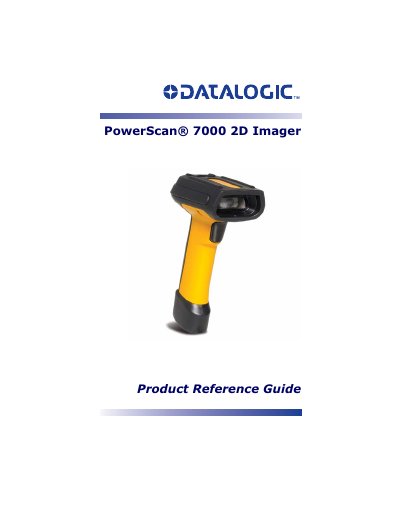
The Datalogic PowerScan 7000 is a 2D imager designed for scanning various linear and stacked symbologies. This Product Reference Guide covers getting started procedures, including connecting the device via RS-232 serial ports or USB interfaces in modes such as HID, COM Port Emulation, and Universal Keyboard Wedge.
The manual details how to configure terminal interfaces, set output indicators (LEDs and beepers), and program data editing and formatting. It includes extensive information on supported symbologies like Code 128, PDF417, QR Codes, and OCR programming, as well as utility functions for testing and configuration.
It is a 2D imager designed for scanning bar codes.