
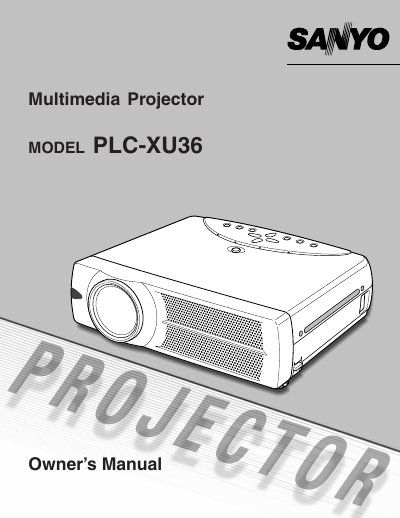
Sanyo PLC-XU36 Multimedia Projector Owner's Manual


Sanyo PLC-XU36 Multimedia Projector Owner's Manual - cover page
Brand
Sanyo
Category
Projector
Document type
User Manual
Language
English
Pages
48
File format
PDF
Published
03 August, 2012
Updated
29 September, 2023
MD5 checksum
DFFE371E0498088DD94E94ADEC5433DD

About this manual

This is the owner's manual for the Sanyo PLC-XU36 multimedia projector. It begins with owner notices and safety precautions, including warnings about looking into the projection lens and laser light from the remote control.

The document also includes safety instructions, FCC compliance information, and AC power cord requirements for the United States, Canada, and the United Kingdom.

What's inside

  • TO THE OWNER
  • SAFETY PRECAUTIONS
  • SAFETY INSTRUCTIONS
  • COMPLIANCES
  • Federal Communication Commission Notice
  • AC POWER CORD REQUIREMENT

Specifications

Model numberPLC-XU36

Frequently asked questions

What is the model number of this projector?

The model number is PLC-XU36.

What should I do before operating the projector?

Read this manual thoroughly and operate the projector properly.

What should I do if the projector seems to operate improperly?

Read the manual again, check operations and cable connections, and try the troubleshooting solutions. If the problem persists, contact the sales dealer or service center.

What does the LASER button on the remote control do?

It emits a laser beam from the Laser Light Window as a laser pointer function while the button is pressed.

Download PDF

More Sanyo Manuals


View all Sanyo manuals →