
This manual introduces the functions and features, how to use the PLC-XU56/PLC-XU51/PLC-SU51 projector.
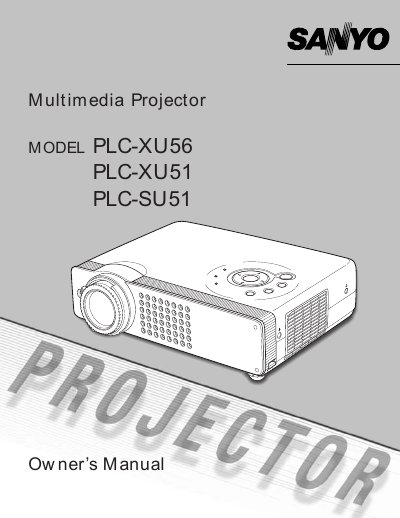
This document serves as the owner's manual for a series of compact multimedia projectors, specifically models PLC-XU56, PLC-XU51, and PLC-SU51. It details the projector's design features such as digital zoom, power management, and multi-language menu support.
| Color Systems | 6 Color systems, Component video, S-video and RGB scart |
|---|---|
| Zoom Function | approx. 16 times ofscreen size |
| Menu Languages | 12 languages |
| Display Technology | matrix liquid crystal display (LCD) |
Yes, the Blackboard Function can be used as a projection screen.
It prevents others except users from using the projector.