
Sanyo PLC-SU60 Multimedia Projector Owner's Manual


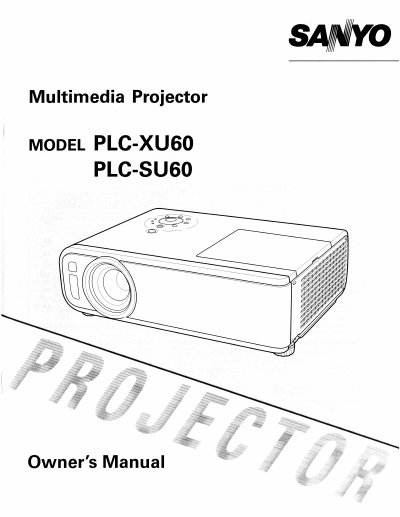
Sanyo PLC-SU60 Multimedia Projector Owner's Manual - cover page
Brand
Sanyo
Category
Projector
Document type
User Manual
Language
English
Pages
58
File format
PDF
File size
7.1 MB
Published
03 August, 2012
Updated
22 August, 2012
MD5 checksum
266A4ADBC37E277FBB55D04C7CF19AF9

About this manual

The document serves as an Owner's Manual for the Sanyo PLC-SU60 multimedia projector. It covers essential safety precautions regarding ventilation, laser pointers, and electrical hazards before operating the device.

The guide details the physical features of the projector, including front, back, bottom, top, and terminal layouts, along with remote control usage. It provides step-by-step instructions for installation, connecting to computers and video equipment, adjusting image settings like zoom and focus, and performing maintenance tasks such as cleaning air filters and replacing the lamp.

What's inside

  • Safety Instructions
  • Installing the Projector in Proper Position
  • Features and Design
  • Remote Control Operation
  • Installation and Connections
  • Turning On/Off the Projector
  • Picture Adjustment (Zoom/Focus)
  • On-Screen Menu Functions
  • Maintenance and Cleaning
  • Troubleshooting

Specifications

Product TypeMultimedia Projector
Model NumberPLC-SU60 / PLC-XU60

Frequently asked questions

What should be done if the projector is not used for an extended time?

Unplug the projector from the power outlet.

Can liquid or aerosol cleaners be used on the projector?

No, do not use liquid or aerosol cleaners; use a damp cloth.

Download PDF (7.1 MB)

More Sanyo Manuals


View all Sanyo manuals →