
This document describes the features and functions of the Temperature Datalogger, including the ability to measure and store up to 32,000 temperature readings, set logging rate, high/low alarm and start mode, and download data to a PC via USB. The datalogger comes with a long-life lithium battery that can typically allow logging for one year.
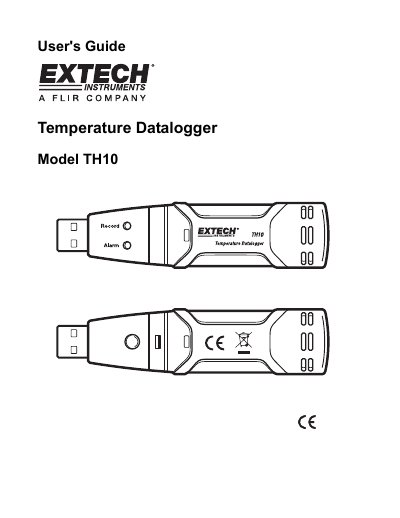
The Extech TH10 is a portable temperature datalogger designed to measure and store up to 32,000 readings. It features selectable sampling rates ranging from 2 seconds to 24 hours, user-programmable high/low alarm thresholds, and a long-life lithium battery that can typically last one year.
The device connects to a PC via USB for setup and data transfer using supplied software. Users can configure logging parameters such as logger name, sample points, and LED flash cycles through the software interface. Once logged, data can be downloaded, graphed, printed, or exported in various formats including Excel, Text, and Bitmap.
| Memory Capacity | 32,000 readings |
|---|---|
| Temperature Range | -40 to 70°C (-40 to 158°F) |
| Sampling Interval | 2 seconds up to 24 hours |
| Battery Type | 3.6V Lithium (1/2 AA) |
| Dimensions | 101x25x23mm |
The datalogger measures and stores up to 32,000 temperature readings.
The long-life lithium battery can typically allow logging for one year.
Yes, transferred data can be saved as an Excel file (.xls) using the File Save-As function.