
EasyView Dual K Thermometer model EA10 user's manual. This document introduces the features and characteristics of the product, including warranty terms, product operation methods, and usage precautions.
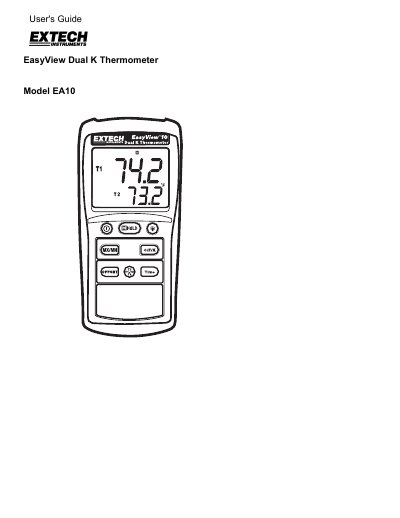
This document is the User's Guide for the Extech EA10 EasyView Dual K Thermometer. The device features a dual-display multi-function LCD and accepts two Type K thermocouples with spade plugs. It allows users to measure temperature in Celsius, Fahrenheit, or Kelvin and offers functions such as Min/Max/Avg recording, data hold, offset mode, and backlight control.
| Measurement Range | -200 to 1999°F (-200 to 1360°C) |
|---|---|
| Resolution | 0.1°C/°F <200°, 1°C/°F >200° |
| Accuracy | +(0.3% reading + 2°F) @ -200°F to 1832°F |
| Display | Dual Display Multi-function LCD with Backlight |
| Input Protection | 60VDC; 24VAC rms |
| Power supply | 6 AAA Batteries |
| Battery life | Approximately 200 hours with carbon zinc batteries |
| Operating Temperature | 32 to 122°F (0 to 50°C) |
| Dimensions | 5.91x2.8x1.4" (150x72x35mm) |
This meter accepts two type K thermocouples with spade plugs.
The backlight will automatically turn off after one minute.
Extech warrants the instrument to be free of defects for one year from the date of shipment.