
This is an Extech TM100 digital thermometer that supports K/J single-type input and can measure temperature, maximum value, minimum value, average value, and has an auto power off function.
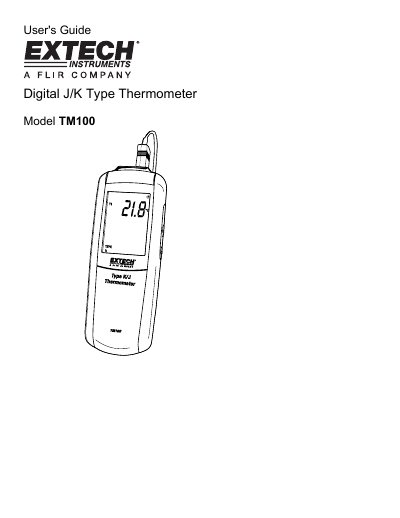
The Extech TM100 is a digital thermometer designed for measuring temperatures using K or J type thermocouples. The device features an LCD display with options to show maximum, minimum, average, and offset values, as well as backlight control and data hold functions.
Users can configure the meter to select between J or K thermocouple types, adjust sleep modes, and apply temperature offsets for calibration. The manual details how to connect probes, operate measurement modes, replace batteries, and understand the device's technical specifications.
| Temperature Range (K type) | -200°C to 1372°C (-328°F to 2501°F) |
|---|---|
| Temperature Range (J type) | -210°C to 1100°C (-346°F to 2012°F) |
| Temperature accuracy (Above -100°C) | + [0.15%rdg+1°C (1.8°F)] |
| Temperature accuracy (Below -100°C) | + [0.5%rdg+2°C (3.6°F)] |
| Display Resolution | 0.1°C /°F #K <1000, 1°C /F /*K >1000 |
| Battery Type | 2 x AAA 1.5V |
| Operating Temperature | 0°C to +50°C (40°F to +122°F) |
The meter accepts any K-type or J-type thermocouple with spade lugs.
Press the C-F-K button to select the desired temperature unit of measure (C, F, or K).
Press the SET button for 3 seconds to enter or exit setup.