
This manual introduces the functions and usage of the Extech TM300 Digital Thermometer. The thermometer has K/J type dual input and can measure temperature, maximum value, minimum value and average value.
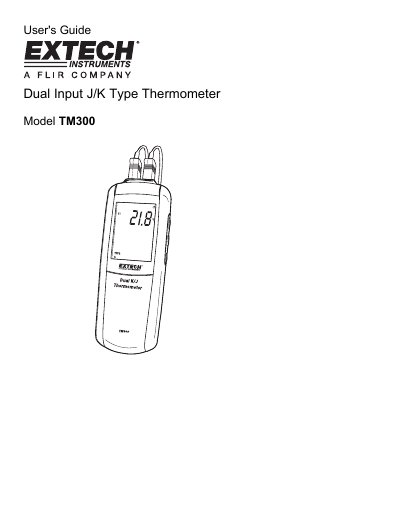
The Extech TM300 is a digital thermometer designed for measuring temperature using one or two K or J-type thermocouples. It features a large backlit display capable of showing T1, T2, the difference (T1-T2), as well as MAX, MIN, and AVG values with relative time clocks. The device includes an electronic offset function to compensate for thermocouple errors and supports temperature readings in Celsius, Fahrenheit, or Kelvin.
| Temperature Range (K type) | -200°C to 1372°C (-328°F to 2501°F) |
|---|---|
| Temperature Range (J type) | -210°C to 1100°C (-346°F to 2012°F) |
| Battery | AAA 1.5V x 3 |
| Operating Temperature | 0°C to 50°C (32°F to 122°F) |
| Display Resolution | 0.1°<1000°, 1°>1000° |
The meter accepts one or two K or J-type thermocouples with spade lugs.
Press and hold the SET button for 3 seconds to enter or exit the Setup mode.
The allowable adjustment range is +5.0°C or +9.0°F.