
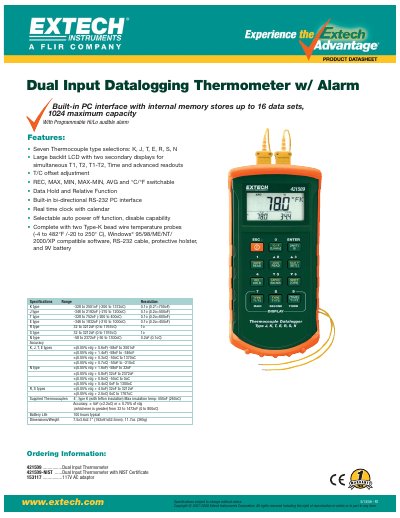
Extech 421509 Dual Input Datalogging Thermometer is a portable data logger with programmable high/low audible alarm. It features seven thermocouple type selections, large backlit LCD display, and can simultaneously show T1, T2, T1-T2, time, etc.
This User Guide covers the Extech 42275 Temperature and Humidity Datalogging Module with docking station and the SW276 Windows Datalogging Software. It provides instructions for hardware operation, software setup, and data retrieval.
The guide details how to install the software, configure the datalogger settings such as sample rate and alarm limits, and use the software to graph and save data. It also includes instructions for battery replacement and disposal.
| Temperature range | -40 to 85°C (-40 to 185°F) |
|---|---|
| Humidity range | 0.0 to 99.9% Relative Humidity |
| Datalogger storage | 16,000 readings |
| Sampling rate | 1 second to 12 hours |
| Power supply | One 3.6V AA lithium battery |
| Dimensions | 124 x 92mm |
The battery life is 1 year when using a 5-second sample rate in sleep mode.
The datalogger can store 16,000 readings (8,000 temperature and 8,000 humidity readings).