
This manual describes the operation of the Extech IR100 Pocket Infrared Thermometer. This device allows the user to take non-contact temperature measurements simply by pointing the meter and pressing a button. This meter is shipped fully tested and calibrated and with proper use will provide years of reliable service.
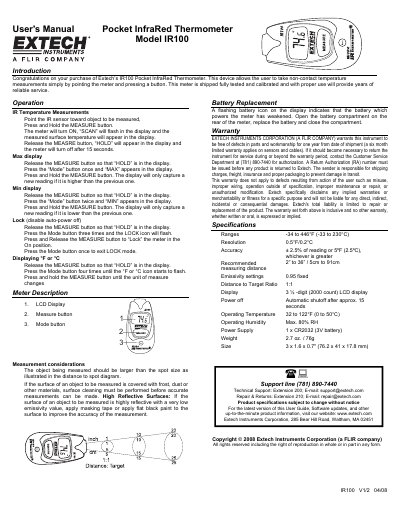
The Extech IR100 is a pocket infrared thermometer designed to take non-contact temperature measurements by pointing the sensor at an object and pressing a button. The device features a 3 ½-digit LCD display, automatic power-off after approximately 15 seconds, and allows users to lock the meter in the on position or hold readings.
| Temperature Range | -34 to 446°F (-33 to 230°C) |
|---|---|
| Resolution | 0.5°F/0.2°C |
| Accuracy | ± 2.5% of reading or 5ºF (2.5ºC) |
| Recommended Measuring Distance | 2" to 36" / 5cm to 91cm |
| Emissivity Setting | 0.95 fixed |
| Distance to Target Ratio | 1:1 |
| Display Type | 3 ½ -digit (2000 count) LCD display |
| Power Supply | 1 x CR2032 (3V battery) |
| Operating Temperature | 32 to 122°F (0 to 50°C) |
| Weight | 2.7 oz. / 76g |
Point the IR sensor toward the object to be measured, press and hold the MEASURE button until the meter turns on and 'SCAN' flashes.
Press the Mode button three times until the LOCK icon flashes, then press and release the MEASURE button.
Release the MEASURE button, press the Mode button four times until the °F or °C icon flashes, then press and hold the MEASURE button.
Extech warrants the instrument against defects in parts and workmanship for one year from the date of shipment.