
IR400 Infrared Thermometer is a non-contact infrared thermometer that can measure temperature at the touch of a button. The built-in laser pointer increases target accuracy while the backlit LCD and handy push-buttons combine for convenient, ergonomic operation.
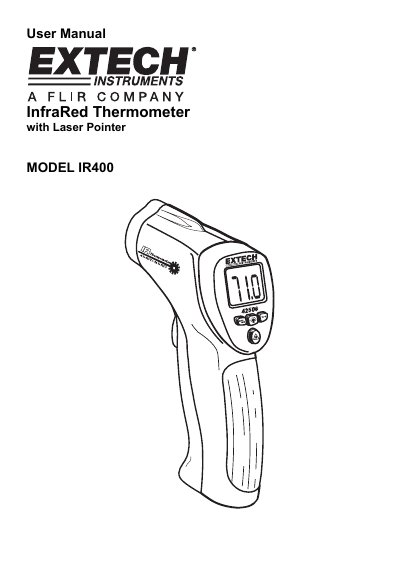
The Extech Model IR400 is a non-contact infrared thermometer designed for convenient temperature measurements at the touch of a button. It features a built-in Class II laser pointer to increase target accuracy, a backlit LCD display, and ergonomic push-buttons. The device includes Max/Min tracking capabilities and an automatic power-off function.
| Display | 3-1/2 digit (1999 count) LCD with backlighting |
|---|---|
| Response time | Less than 1 second |
| Emissivity | 0.95 fixed value |
| Field of view | D/S = Approx. 8:1 ratio |
| Laser output | <1mW, Wavelength 630~670nm |
| Auto power off | Automatic shut off after 10 seconds, approx. |
| Operating temperature | 0°C to 50°C (32°F to 122°F) |
| Power supply | 9V battery, NEDA 1604A or IEC 6LR61 |
| Weight | 180g (6.302) |
The emissivity is set to a fixed value of 0.95.
The reading will hold for approximately 10 seconds before the meter automatically shuts off.
No, measurements cannot be made through transparent surfaces such as glass because the thermometer measures the surface temperature of the glass.