
This document is the user guide for the MiniTecTM Series Model MN25 Multimeter. This multimeter has various functions and features, and can measure AC/DC voltage, current, resistance, etc. The instrument is covered by a one-year warranty, with a six-month limited warranty on sensors and cables.
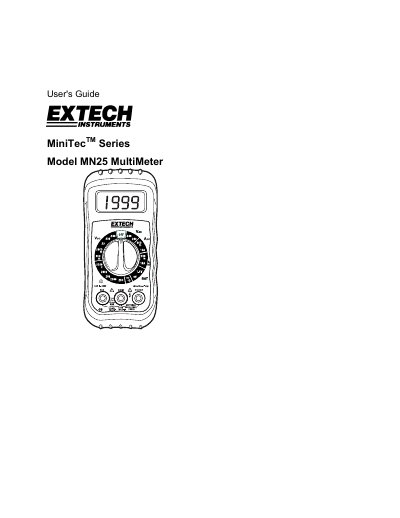
The document serves as a comprehensive user's guide for the Extech MiniTec Series Model MN25 Multimeter. It covers essential topics including product description, detailed operation procedures for various measurements such as voltage, current, resistance, and continuity, along with specific safety precautions to prevent damage or injury.
Key features of the instrument include a 3 1/2 digit LCD display capable of measuring AC/DC Voltage, Current, Resistance, Capacitance, Frequency, Duty Cycle, Temperature, Diode Test, and Continuity. The guide also details warranty information and technical specifications.
| DC Voltage Range | 600V DC maximum |
|---|---|
| AC Voltage Range | 600V AC maximum |
| DC Current Range | 10A DC maximum |
| Resistance Range | 200k Ohms maximum |
| Battery Type | 9 Volt Battery |
| Operating Temperature | 5ºC to 40ºC |
Extech warrants the instrument to be free of defects in parts and workmanship for one year from date of shipment.
Do not make current measurements on the 10A scale for longer than 30 seconds, as exceeding this time may cause damage.
The display will show 'BAT' if the battery voltage drops below operating voltage.