
The Extech HD500 Psychrometer is a handheld meter that measures and displays Air Temperature, Relative Humidity, Dew Point, Wet Bulb, and Surface Temperature using the built-in IR thermometer. It features a triple digital LCD display, fast response, automatic range selection, and other functions.
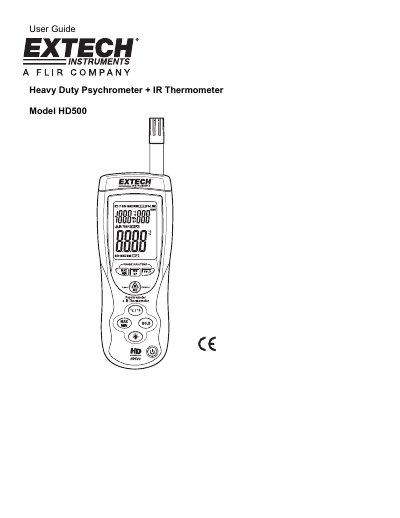
The Extech HD500 is a handheld meter designed to measure air temperature, relative humidity, dew point, wet bulb temperature, and surface temperature using a built-in infrared sensor. The device features a triple digital LCD display that updates data four times per second and includes a standard Type K thermocouple input jack for additional probes.
| IR Distance to Spot ratio | 30:1 |
|---|---|
| IR Emissivity | 0.95 fixed |
| Auto Power OFF | 15 minutes |
| Power supply | 9V Battery |
Hold the IRT button and then press the Power button to turn on; release the IRT button when 'disAPO' appears.
The meter's field of view ratio is 30:1.