
The Extech SDL500 Hygro-Thermometer is a temperature and humidity meter that can measure temperature and humidity and store data on an SD card. It can also calculate wet bulb temperature and dew point temperature.
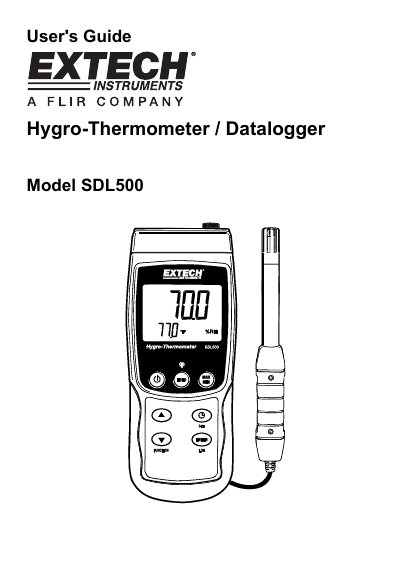
The Extech SDL500 is a Hygro-Thermometer and Datalogger designed to display and store Temperature and Relative Humidity readings. It utilizes a supplied probe for humidity and temperature measurements and can also accept optional Type J or K Thermocouple probes for temperature-only readings. Logged data is stored on an SD card for later transfer to a PC.
The device features a comprehensive Setup Mode accessible via the SET button, allowing users to configure the clock, datalogging sampling rates, power-off settings, numerical formats, and measurement units. Key functions include calculating Wet Bulb and Dew Point temperatures and managing SD card formatting.
You must press and hold the power button for at least 1.5 seconds to power the meter on or off.
The meter can measure and display temperature up to 1300°C (2372°F).
The meter will automatically switch off after 10 minutes of inactivity.