
The Extech SD500 Temperature/Humidity Datalogger is a portable data logger that simultaneously displays Temperature and Relative Humidity. Data can be stored on an SD card for further analysis.
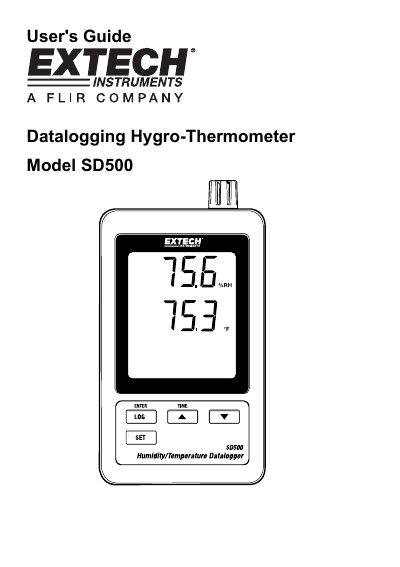
The Extech SD500 is a datalogging hygro-thermometer designed to measure, display, and store temperature and relative humidity readings. Data is stored on an SD card in Excel format for easy transfer to a PC. The device features an LCD that simultaneously displays both measurements along with date/time stamps.
| Display Size | 60 x 50 mm (2.4 x 2.0") LCD |
|---|---|
| Memory Card Capacity | 1 GB to 16 GB |
| Sampling Time Options | 5/10/30/60/120/300/600 seconds or Auto |
| Operating Temperature Range | 0 to 50°C (32 to 122°F) |
| Power Supply | Six (6) AAA batteries or 9V AC adaptor |
| Weight | 282 g (0.62 lbs.) |
The SD card should be at least 1GB in capacity.
Press the LOGGER button for more than 2 seconds to stop logging and view recorded data.
Removing the memory card without properly ending the record function may corrupt data.