
Extech RH390 digital psychrometer measures humidity, air temperature, dew point temperature and wet bulb temperature. Advanced features include Data Hold, Auto Power Off, and MAX/MIN reading.
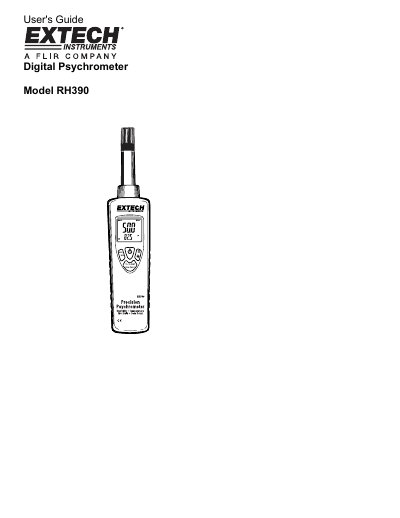
The Extech RH390 Digital Psychrometer is a device designed to measure humidity, air temperature, dew point temperature, and wet bulb temperature. It features advanced capabilities such as data hold, auto power off, and maximum/minimum reading functions to ensure reliable service.
| Humidity Range | 0.0 to 100.0% RH |
|---|---|
| Display Type | Dual LCD |
| Response Time | <30 seconds |
| Dimensions | 200 x 45 x 33mm (7.8 x 1.7 x 1.3") |
Press the power button to turn power on or off.
Remove the Philips head screw holding the rear battery compartment cover to access the battery compartment.