
Extech AN100 CFM/CMM Thermo Anemometer is a measuring instrument that measures air velocity, air flow (volume) and temperature. It has a large, easy-to-read backlit LCD display, and the meter is shipped fully tested and calibrated.
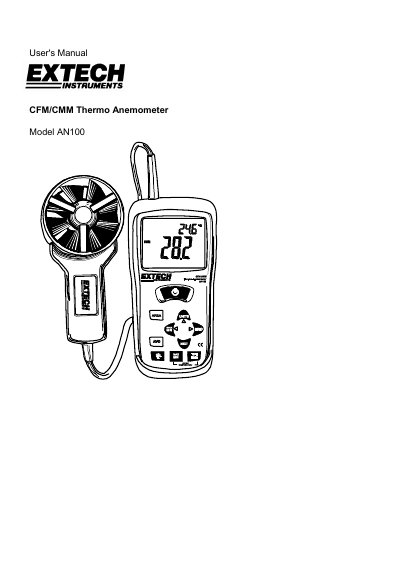
The Extech AN100 is a thermo anemometer designed to measure air velocity, air flow (volume), and temperature. It features a large backlit LCD with primary and secondary displays, status indicators, and a vane sensor for accurate readings in various units such as m/s, ft/min, CFM, and CMM.
The manual provides detailed instructions on connecting the vane, performing single-point and averaging measurements, entering duct areas for flow calculations, using data hold functions, and replacing batteries. It also includes specifications regarding accuracy ranges, operating conditions, and physical dimensions.
| Air Velocity Range | 0.40 - 30.00 m/s / 1.4 - 108.0 km/h / 80 - 5900 ft/min |
|---|---|
| Air Flow Range | 0-9999 CMM / 0-9999 CFM |
| Air Temperature Range | -10 - 60°C / 14 - 140°F |
Turn the meter OFF, press and hold the Backlight key while turning it ON until 'dis APO' appears in the display.
When 'E4' appears on the LCD, the 9V battery must be replaced.
Press and hold the AVG button until it beeps twice to enter 20 Point Averaging Mode.