
This is the user manual of Extech 45170 4-in-1 Humidity, Temperature Airflow and Light Meter. The manual introduces the function, usage and maintenance of the instrument.
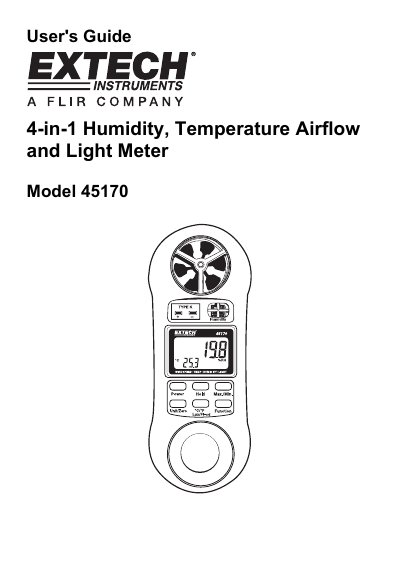
The Extech Model 45170 is a multi-function meter designed to measure air velocity, relative humidity, ambient temperature (via thermistor or Type K thermocouple), and light levels. The device features a dual-display LCD and includes functions for data hold, min/max recording, and unit selection.
| Relative Humidity Range | 10.0 to 95.0% |
|---|---|
| Light Measurement Range (Lux) | 0 to 2,200 Lux |
| Power Supply | 9 Volt Battery |
| Operating Temperature (Thermistor) | 32 to 122°F (-0 to 50°C) |
| Dimensions | 156 x 60 x 33mm |
Press the power button to turn power off.
The meter will automatically turn off (Auto Power OFF).
Press the Max/Min button once to start recording, again to see MAX, and a third time to see MIN.