
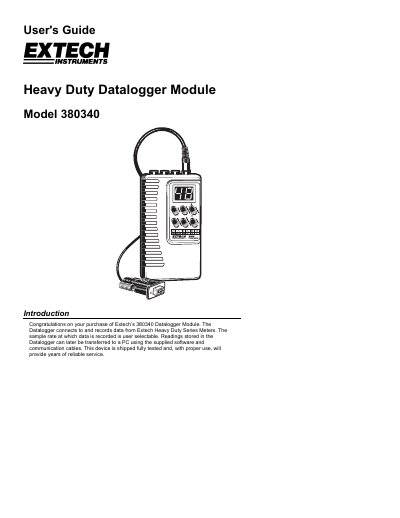
The Extech 380340 Datalogger Module connects to and records data from Extech Heavy Duty Series Meters. Users can select the sampling rate for data collection, which is stored in the device's non-volatile memory. Readings can be transferred to a PC using the supplied software and communication cables.
The manual details the device's front and top panel features, including input/output terminals and button functions. It provides instructions for setting the date and time, configuring automatic and manual datalogging modes, clearing memory, and transferring collected data to a computer via a serial connection.
| Data storage | 8000 readings (16 bits each) |
|---|---|
| Adjustable Sample Rate | 1 second to 8hrs 59 minutes 59 seconds |
| Batteries | Four 1.5V AA batteries (alkaline or heavy duty type) |
| Battery life | 36 hours continuous (typical) |
| Operating temperature | 32 to 122 o F (0 to 50 o C) |
| Weight | 0.45 lbs. (205g) including battery |
Press the 'RECORD' button on the meter to disable the Auto-Shutoff feature during a datalogging session.
Records are comma delimited with a format of Row ID, Time stamp, Unit, Row ID, Reading, Unit.