
This manual is for LC-X85 Multimedia Projector. It introduces the projector's features including multi-use remote control, multilanguage menu display, network-capable, logo function, simple computer system setting, and practical presentation functions.
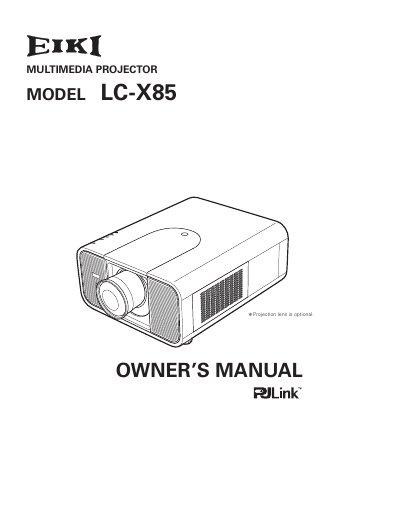
The EIKI LC-X85 is a multimedia projector designed with advanced LCD technology for portability and ease of use. It features a palette of 1.07 billion colors and supports multiple input signals up to WUXGA resolution. Key functional highlights include a motor-driven lens shift, digital zoom, and network capabilities via an optional Pj-to NetDirector.
| Color Palette | 1.07 billion colors |
|---|---|
| Display Technology | Matrix LCD |
| Supported Resolution | WUXGA |
The operation menu is available in 12 languages, including English, German, French, Italian, Spanish, Portuguese, Dutch, Swedish, Russian, Chinese, Korean, and Japanese.
Yes, the multi-use remote control can function as a wired or wireless device, or as a PC wireless mouse.