
Dukane 8755J/8919H/8920H Projector User's Manual

This manual describes how to use the projector 8755J/8919H/8920H, including installation, operation and maintenance
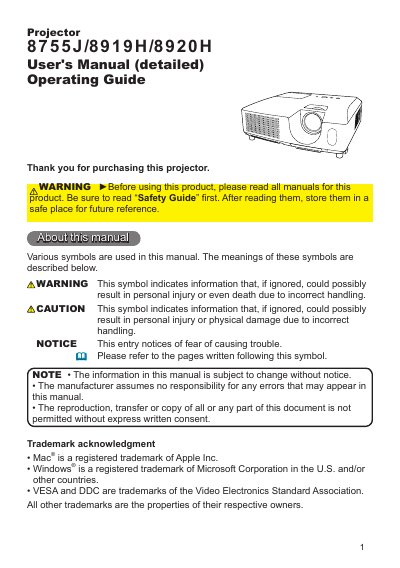

Dukane 8755J/8919H/8920H Projector User's Manual - cover page
Brand
Dukane
Category
Projector
Document type
User Manual
Language
English
Pages
65
File format
PDF
File size
8 MB
Published
12 July, 2012
Updated
30 September, 2023
MD5 checksum
331F1F7C3C91C9D6F6C6D4611DC86A57

About this manual

The Dukane 8755J/8919H/8920H is a versatile business projector featuring various I/O ports, a double-layer filter system for extended maintenance intervals, and capabilities to project large images in small spaces. The device supports multiple input signals including computer, video, and component formats.

What's inside

  • Projector features
  • Checking the contents of package
  • Part names
  • Setting up
  • Arrangement
  • Connecting your devices
  • Power on/off
  • Operating
  • Adjusting the projector's elevator
  • Maintenance

Specifications

Resolution (calculated)1024 x 768

Frequently asked questions

What screen size and projection distance are used for the arrangement table values?

The values in the table are calculated for a full size screen of 1024 x 768.

How much space must be kept between the projector sides and walls or other objects?

You must keep a space of 30 cm or more between the sides of the projector and other objects such as walls.

What is the minimum distance required for a 120-inch screen?

The minimum projection distance for a 120-inch screen is 3.0 meters.

Download PDF (8 MB)

More Dukane Manuals


View all Dukane manuals →