
This manual documents how to use SIRIUS features using an HDS display unit.
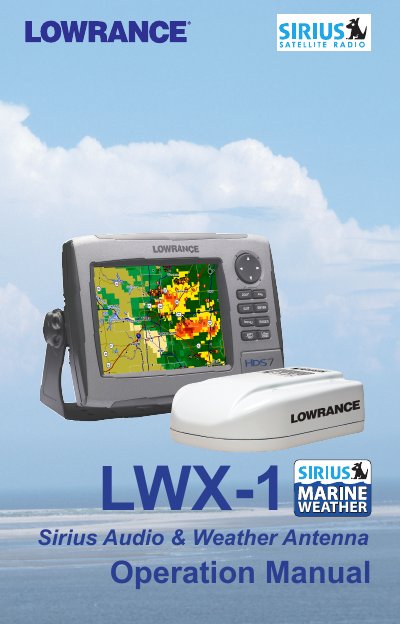
The Lowrance LWX-1 is a Sirius Satellite Radio and Weather Antenna designed to be used in conjunction with an HDS display unit. This document details how to turn on the device, view status information, and navigate the media bar controls for audio playback.
Users can manage their listening experience by accessing subscribed channels, creating favorites lists, and adjusting volume settings directly from the display or keypad. The manual also covers specific features such as displaying weather data on chart pages, viewing lightning distances, and understanding different subscription service levels including Inland, Mariner, and Voyager.
Press MENU twice, select Page and press ENTER, then highlight Sirius audio and press ENTER.
The available service levels are Inland, Mariner, and Voyager.
No, Media Bar controls work only when the Media Bar is active.