
Lowrance LRA-1800 and LRA-2400 Radar Operation Instruction Manual

Introduces basic components of Lowrance radar display unit, radar software upgrade method and radar setup method
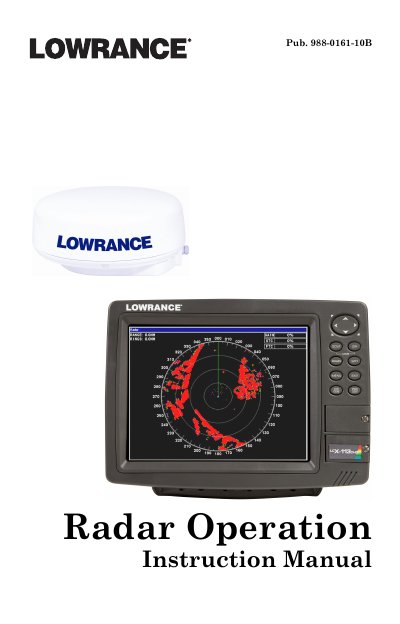

Lowrance LRA-1800 and LRA-2400 Radar Operation Instruction Manual - cover page
Brand
Lowrance
Category
Other device
Document type
User Manual
Language
English
Pages
48
File format
PDF
File size
1.4 MB
Published
11 July, 2012
Updated
01 October, 2023
MD5 checksum
A5CB17488BD9A26C6F5CFEA463A66482

About this manual

This document is the Operation Instruction Manual for Lowrance LRA-1800 and LRA-2400 radar systems. It covers essential topics including warnings, software updates, basic display components, and radar setup procedures such as adjusting gain, range, and clutter settings. The guide also details how to use various display modes like Radar Only, Radar with Map, and Radar with Sonar.

What's inside

  • Warnings and Cautions
  • Software Update
  • Basic Radar Display Components
  • Radar Setup
  • Getting Started
  • Radar Only
  • Radar with Map
  • Radar with Sonar
  • Radar Menu
  • Advanced Operation

Frequently asked questions

What is the minimum software version required for the display unit?

If the display unit's software version is less than 2.2.0, you will need to update the unit's software.

What is the safe distance limit for the radar beam near humans?

The radar beam can be harmful to humans in close proximity within 20 yards, or 18.3 meters.

How many electronic bearing lines and variable range markers does the unit have?

The unit has three electronic bearing lines and three variable range markers.

Download PDF (1.4 MB)

More Lowrance Manuals


View all Lowrance manuals →