
Key facts
- Manuals
- 64
- Models
- 3
- Categories
- 3
- Languages
- EN
- Last added
- 2026-09-30
Lowrance models by category
Featured Lowrance manuals
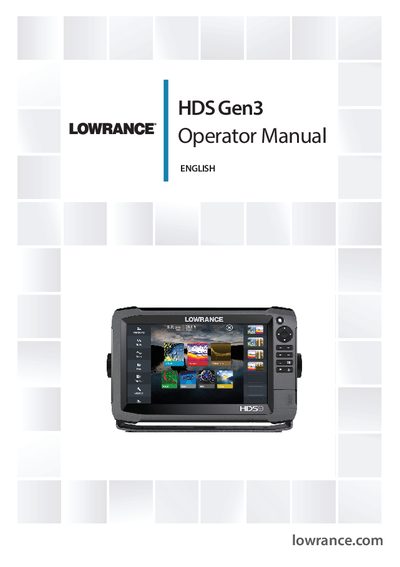
Lowrance HDS Gen3 Operator Manual
This operator manual is intended for owners of the Lowrance HDS Gen3 system. It assumes basic knowledge of navigation and explains the safety warnings, warranty information, and how to access the manual on the device.
The guide covers all major functions of the unit, including the front panel and keys, Home page customization, chart display options, sonar and StructureScan operation, waypoint and route creation, autopilot integration, touchscreen controls, and system settings such as language and units of measure.
Covers: Introduction · Operating the system · Front panel and keys · Home page · Charts · Sonar
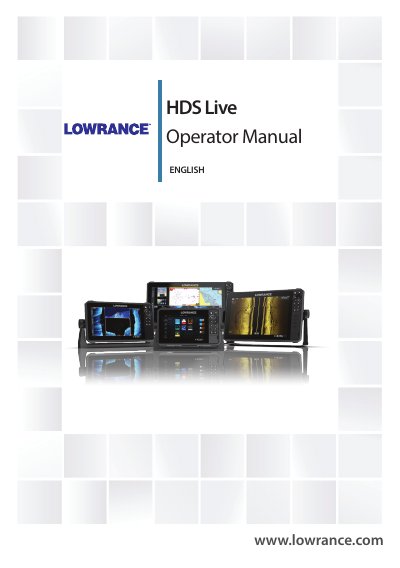
Lowrance HDS Live Operator Manual
The HDS Live Operator Manual is a reference guide for operating the Lowrance HDS Live marine navigation system. It includes safety warnings, compliance information for CE, FCC and Industry Canada, and notes on liability and product updates.
The manual covers the user interface, chart and sonar functions, Power‑Pole Bluetooth integration, and detailed instructions for installation, configuration, and feature customization.
Covers: Introduction · User Interface · Charts · Sonar · Power‑Pole Integration · Navigation
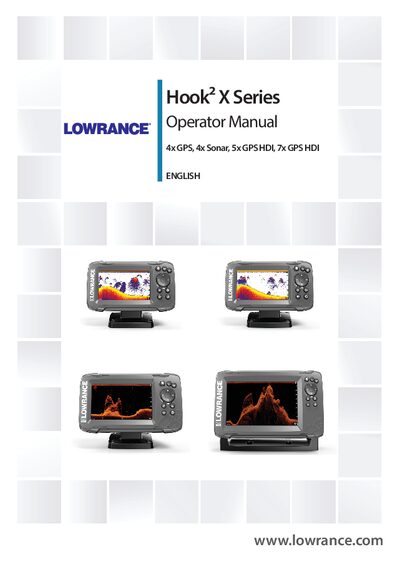
Lowrance Hook² X Series Operator Manual
This manual explains how to operate the Hook² X Series units, covering front‑panel controls, GPS plotter functions, sonar and DownScan imaging, and navigation features such as waypoints, routes, and trails. It also details system settings, alarm handling, and basic troubleshooting.
Maintenance instructions include cleaning the display with a micro‑fiber cloth, checking connectors, and using the optional protective sun cover. The guide notes the required transducers for each model and compliance information.
Covers: Introduction · Front controls · GPS plotter · Sonar · DownScan · Alarms
Latest Lowrance manuals
Lowrance HDS Gen3 Operator Manual
User Manual 166 pages · 15 MB · ENThe Lowrance HDS Gen3 Operator Manual provides step‑by‑step instructions for using the HDS Gen3 marine navigation system.
Lowrance HDS Live Operator Manual
User Manual 198 pages · 13.1 MB · ENThe Lowrance HDS Live Operator Manual provides installation, operation, and feature instructions for the HDS Live marine navigation system.
Lowrance Hook² X Series Operator Manual
User Manual 34 pages · 2.3 MB · ENThe Lowrance Hook² X Series Operator Manual provides operating instructions, settings, and maintenance guidance for the 4x GPS, 4x Sonar, 5x GPS HDI, and 7x…
LOWRANCE X87 X88DF X97 X98DF Fish-finding Depth Sounding Sonars Operation Instructions
This manual describes the capabilities and specifications of the X87, X88DF, X97, and X98DF fish-finding and depth sounding sonars, and how to install and use them.
LOWRANCE X86 DS X86 TX Fish-finding Depth Sounding Sonars Operation Instructions
lowrance X71 Fish-finding Depth Sounding Sonar Installation Operation Instructions
The document describes the features and characteristics of a product, including its functions, performance, design, etc.
lowrance X67C Fish-finding Depth Sounding Sonar Installation Operation Instructions
This manual describes the installation and operation of the Lowrance X67c fish finder.
LOWRANCE X125 X126DF X135 X136DF Fish-finding Depth Sounding Sonars Operation Instruction
This manual describes the features and specifications of the Lowrance X125, X126DF, X135, X136DF fish finders, as well as instructions for installation and use.
LOWRANCE X102C X107CDF Fish-finding Depth Sounding Sonars Operation Instructions
This manual introduces the capabilities and specifications of the Lowrance X102C and X107CDF fish finders and depth sounders. It also explains how sonar works and provides instructions on installation and operation.
LOWRANCE X100C X105C DF Fish-finding Depth Sounding Sonars Installation Operation Instructions
This manual describes the installation and operation of the X100C, X105C DF fish-finding and depth sounding sonars.
LOWRANCE Radar Operation Instruction Manual
Introduces basic components of Lowrance radar display unit, radar software upgrade method and radar setup method
LOWRANCE RIM 300 Radar Operation Instruction Manual
This document introduces the installation instructions for the RIM 300 radar interface module
LOWRANCE Radar RIM 200 Radar Interface Module Installation Instructions
This manual describes the installation instructions for the Lowrance RIM 200 Radar Interface Module
LOWRANCE Radar Operation Instruction Guide
This manual describes the operation of Lowrance radars. This manual covers all display units compatible with Lowrance Radar at the time of publication.
LOWRANCE Radar RIM 100 Radar Interface Module Installation Instructions
This document provides installation instructions for the Radar & RIM 100 Radar Interface Module, a radar product from Lowrance Electronics, Inc. The document describes the characteristics of radar waves, potential issues and interference, and provides considerations for installation location and dip angle requirements.
Which document do I need?
User Manual
Day-to-day operation, settings and troubleshooting. Start here if the product is already set up.
Questions answered in Lowrance manuals
Where can I download the latest version of the HDS Gen3 manual?
The latest manual can be downloaded from lowrance.com.
Is the warranty card included with the manual?
No, the warranty card is provided as a separate document.
What software version does this manual cover?
The manual is written for software version 1.0.
How do I pair Power‑Pole devices with the HDS Live unit?
Use Bluetooth to pair the Power‑Poles with the unit via the Power‑Pole controller; the system will enable the control buttons once the connection is confirmed.
Which transducer should be used with the 4x GPS model?
The 4x GPS model requires the Bullet transducer, which provides traditional sonar functionality only.
How should the display screen be cleaned?
Use a micro‑fiber or soft cotton cloth with plenty of water; wipe the screen gently and dry with the cloth.