
Lowrance LWX-1 Satellite Weather Radio Module Installation Instructions

This document covers the installation of the Lowrance LWX-1 and details how to activate a SIRIUS subscription.
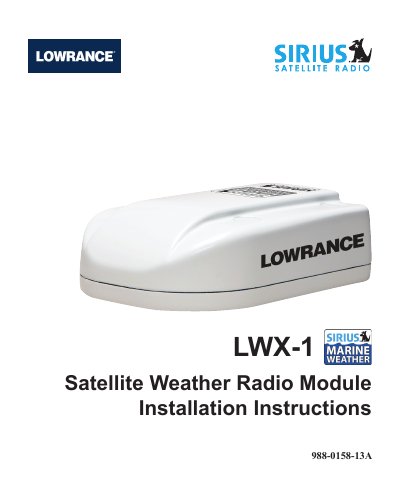

Lowrance LWX-1 Satellite Weather Radio Module Installation Instructions - cover page
Brand
Lowrance
Category
Other device
Document type
Installation Guide
Language
English
Pages
16
File format
PDF
File size
2.2 MB
Published
11 July, 2012
Updated
01 October, 2023
Model
LWX-1
MD5 checksum
B2C0ACE8D1853FC8C7C4C98E89579C4C

About this manual

This document provides installation instructions for the Lowrance LWX-1 Satellite Weather Radio Module. It details how to install the Antenna Receiver (AR) using three configurations: Mast Mount, Flush Mount through the deck, or Flush Mount above the deck. The guide also explains the installation of the Interface Module (IM) below deck.

What's inside

  • LWX-1 Installation Options
  • AR Mast Mount Installation
  • AR Flush Mount Installation (through deck)
  • AR Flush Mount Installation (above deck)
  • IM Installation
  • SIRIUS Subscription Activation

Specifications

Required Software Versioncode version 2.0 or greater
AR Mounting Hole Diameter1/2 inch
AR Mounting Screw Hole Diameter1/32 inch

Frequently asked questions

What software version is required for the LWX-1 to work with HDS products?

You need code version 2.0 or greater on your HDS product.

Where should the Interface Module (IM) be installed?

The IM should be mounted below deck in a water tight area.

Download PDF (2.2 MB)

More Lowrance Manuals


View all Lowrance manuals →