
This manual is used to guide users to correctly install and use the GlobalNav 212 navigation device
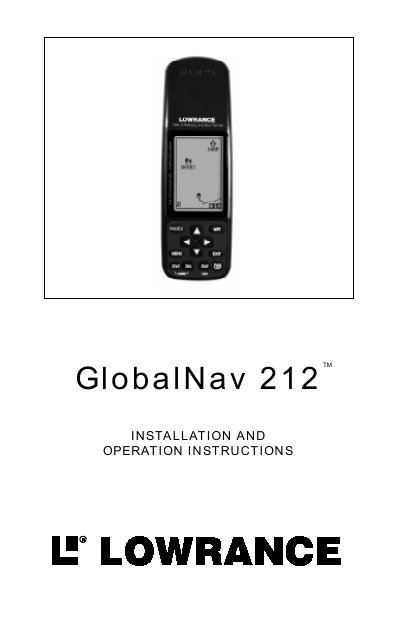
The Lowrance GlobalNav 212TM is a full-featured GPS receiver built with a Rockwell receiver featuring 12 channels to track visible satellites. It determines position using signals from at least three satellites (2D fix) or four satellites for elevation data (3D fix). The device operates in temperatures ranging from -4°F to +167°F (-20°C to +75°C), and the liquid crystal display may fail if stored outside this range.
| Satellite Channels | 12 channels |
|---|---|
| Operating Temperature | -4°F to +167°F (-20°C to +75°C) |
| Power Source | Four AA batteries, NiMH battery, or 5-16V DC |
| External Antenna Connector | Lowrance model EA-2 compatible |
No, you should never use this product while operating a vehicle.
The unit automatically switches to the batteries.
Yes, you can use the receiver while the battery is charging.