
HDS-5x Quick Start Guide, this guide introduces the function keys, button operations and other usage methods of HDS-5x
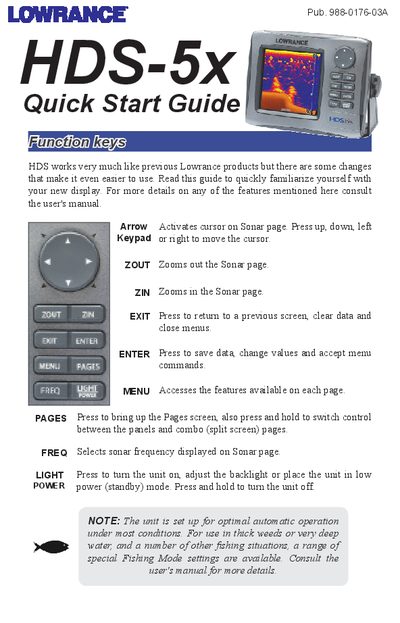
This document serves as a quick reference for users of the Lowrance HDS-5x. It explains how to use the keypad keys such as Arrow, ZOUT, ZIN, EXIT, ENTER, MENU, PAGES, FREQ, and LIGHT to navigate menus and control the unit's power and zoom levels.
The guide details specific procedures for adjusting sonar settings on the display page. Users can learn how to modify sensitivity and color lines, select different screen palettes like Nightview or Iceview, configure split-screen displays (Zoom, Bottom Lock, Flasher), and manage features such as Fish ID symbols, Temperature Graphs, Depth Lines, and Amplitude Scope.
Press PAGES, select Sonar options, then choose +Sonar combo pages.
The options include NoSplit, Zoom (2X zoom on left), Bottom Lock (keeps bottom on screen), and Flasher.