
Lowrance iFINDER PhD and iFINDER Hunt Audio Notes Addendum

This document provides additional instructions for iFINDER PhD and iFINDER Hunt, including the ability to record and play back audio notes associated with waypoints.
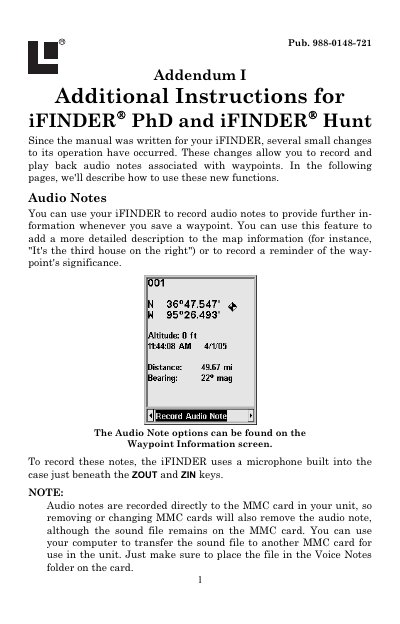

Lowrance iFINDER PhD and iFINDER Hunt Audio Notes Addendum - cover page
Brand
Lowrance
Category
Other device
Document type
User Manual
Language
English
Pages
2
File format
PDF
File size
56 KB
Published
11 July, 2012
Updated
29 September, 2023
MD5 checksum
871E439B0645F33E86DBBC762834C49A

About this manual

This document serves as an addendum to the main iFINDER manual, detailing new functions that allow users to record and play back audio notes associated with waypoints. These notes can provide detailed descriptions or reminders regarding specific locations.

What's inside

  • Audio Notes
  • Record Audio Note
  • Play Audio Note
  • Delete Audio Note
  • Waypoint Information screen
  • MMC card usage

Frequently asked questions

How are audio notes stored?

Audio notes are recorded directly to the MMC card in your unit.

What is the maximum recording time for an audio note?

The iFINDER will begin recording for up to 30 seconds.

How do I record an audio note?

Select the Record Audio Note option from the Waypoint Information screen and press ENT.

Download PDF (56 KB)

More Lowrance Manuals


View all Lowrance manuals →