
This document introduces GlobalMap 4900M and GlobalMap 5500C Mapping GPS Receiver Operation Instructions.
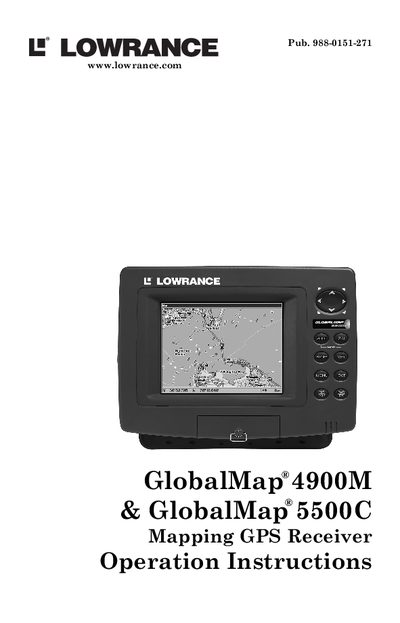
This manual provides operation instructions for the Lowrance GlobalMap 4900M and GlobalMap 5500C Mapping GPS Receivers. It covers essential topics including installation preparations, connecting to NMEA networks, mounting options, and memory card usage. The guide is designed to help users get on the road fast with a minimum of fuss.
| Display Type (5500C) | 6" (15.2 cm) diagonal 256-color, 1/4 VGA liquid crystal TFT display |
|---|---|
| Display Type (4900M) | 7.0" (17.8 cm) diagonal high-brightness LCD |
| Resolution (5500C) | 240V x 320H resolution; 76,800 total pixels |
| Resolution (4900M) | 640 pixel x 480 pixel resolution |
The GlobalMap 5500C features a 6-inch (15.2 cm) diagonal 256-color, 1/4 VGA liquid crystal TFT display.
The GlobalMap 4900M features a 7.0-inch (17.8 cm) diagonal high-brightness LCD.
Yes, teaming your unit with custom mapping software MapCreate™ 6 offers an incredible combination of information and features.