
This document provides installation and operation instructions for the GlobalMap 100. It warns users not to rely solely on one method for navigation and to visually check the path to the waypoint.
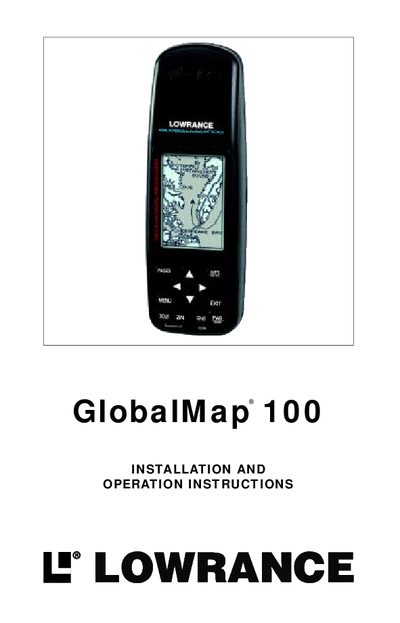
The Lowrance GlobalMap 100 is a full-featured GPS receiver that utilizes a Rockwell receiver with 12 channels to track satellites. It is designed to provide navigation assistance but should not be relied upon as the sole method of obtaining position information. The device operates using either four AA batteries or an optional external power cable ranging from 5 to 35 volts DC.
| Dimensions | 6.75" L x 2.25" W x 1.625" D |
|---|---|
| Display Resolution | 160 H x 104 W pixels |
| Power Input | 5-35 vdc |
| Max Waypoints | 750 |
| Max Routes | 99 |
| Max Waypoints per Route | 99 |
| Max Plot Trail Points | 3000 per trail |
The unit requires four AA batteries, with alkaline batteries recommended for the best trade-off between life and cost.
Yes, it can operate from 5 to 35 volts DC using an optional external power cable, automatically switching to batteries if external power fails.
The Rockwell receiver built inside has 12 channels that will track all of the satellites that are in view of your location.