
Lowrance GlobalMap 4000M Mapping GPS Receiver Operation Instructions

This manual introduces the functions and usage of GlobalMap 4000M mapping GPS receiver.
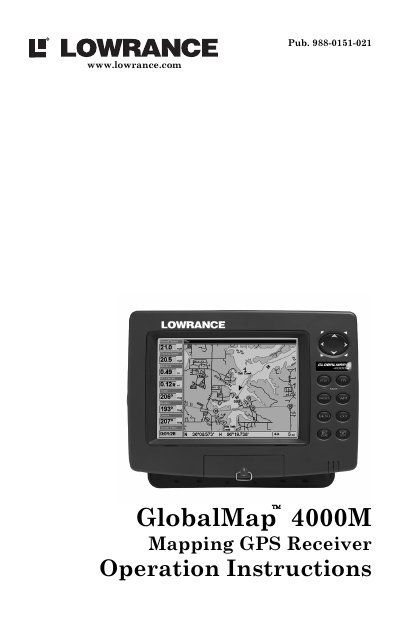

Lowrance GlobalMap 4000M Mapping GPS Receiver Operation Instructions - cover page
Brand
GlobalMap
Category
Vehicle GPS
Document type
User Manual
Language
English
Pages
128
File format
PDF
File size
4.7 MB
Published
11 July, 2012
Updated
30 September, 2023
MD5 checksum
1CAB7EC223923DE3E10F883E1AFFEECC

About this manual

This manual provides operation instructions for the Lowrance GlobalMap 4000M Mapping GPS Receiver. It covers installation procedures, including power connections and mounting, as well as the use of accessories like MMC memory cards. The guide explains how to use the unit's high-resolution LCD display and keypad for navigation.

What's inside

  • Installation & Accessories
  • Basic GPS Operations
  • Advanced GPS Operations
  • System & GPS Setup Options
  • Searching
  • Supplemental Material
  • Capabilities and Specifications
  • How Lowrance GPS Works

Specifications

Display7.0" (17.8 cm) diagonal high-brightness LCD
Resolution640 pixel x 480 pixel resolution
Total Pixels307,200 total pixels
BacklightingFluorescent cold cathode backlit screen
Input Power10 to 15 volts DC

Frequently asked questions

What is the input power requirement for the GlobalMap 4000M?

The unit requires an input power of 10 to 15 volts DC.

Can I use the GlobalMap 4000M with MapCreate software?

Yes, the manual states that teaming the unit with MapCreate 6 creates an incredible combination.

Download PDF (4.7 MB)

More GlobalMap Manuals


View all GlobalMap manuals →